Batteryfree and keyless.
The new generation of smart locks.
Batteryfree and keyless.
The new generation of smart locks.
Smart locking
Without batteries or keys.
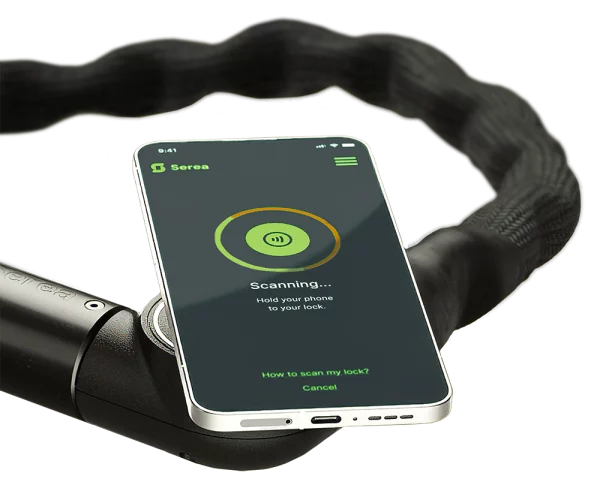
Thanks to its smart setup, you will have no more trouble with losing or forgetting your key however, unlike other smart locks, Serea runs 100% battery-free.
How?
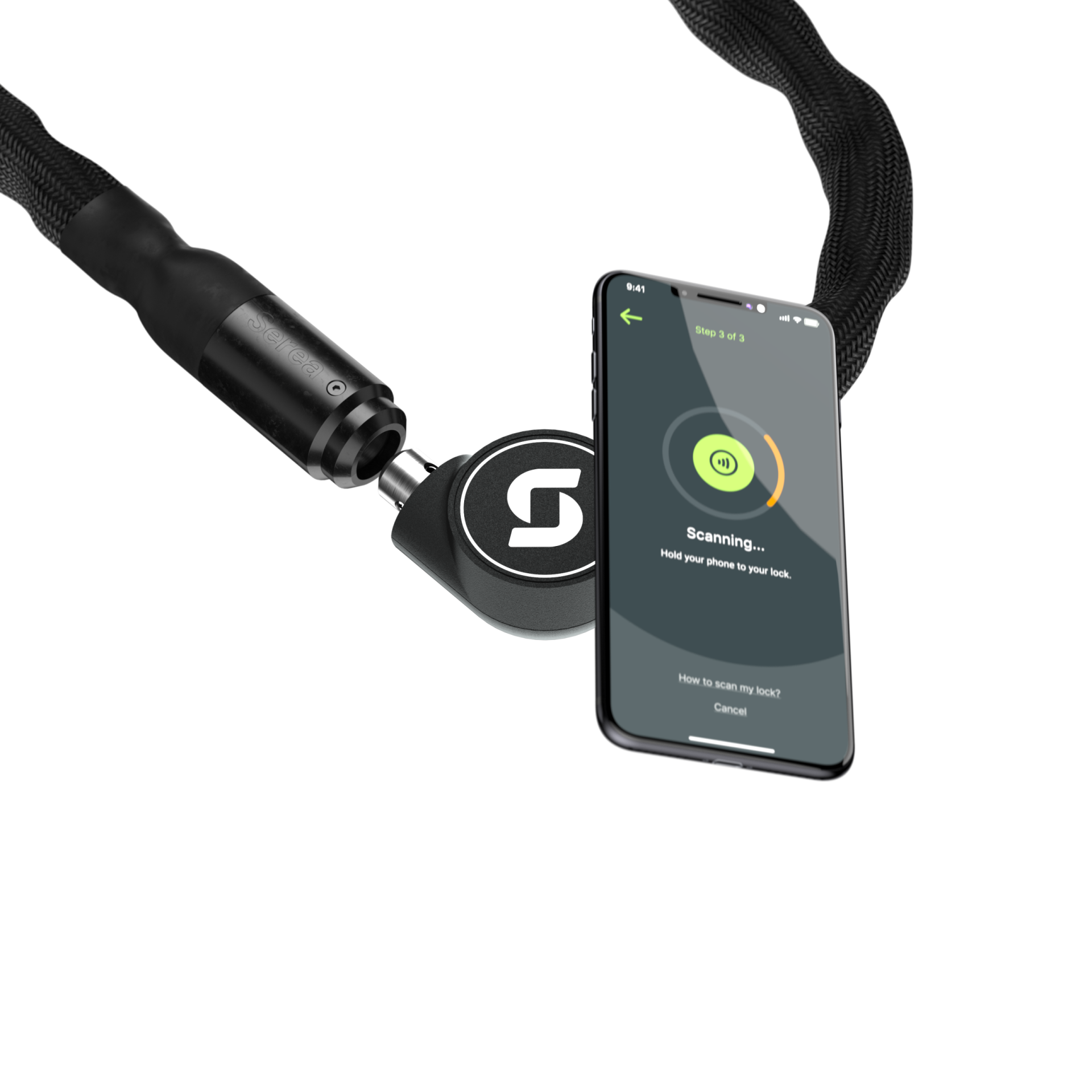
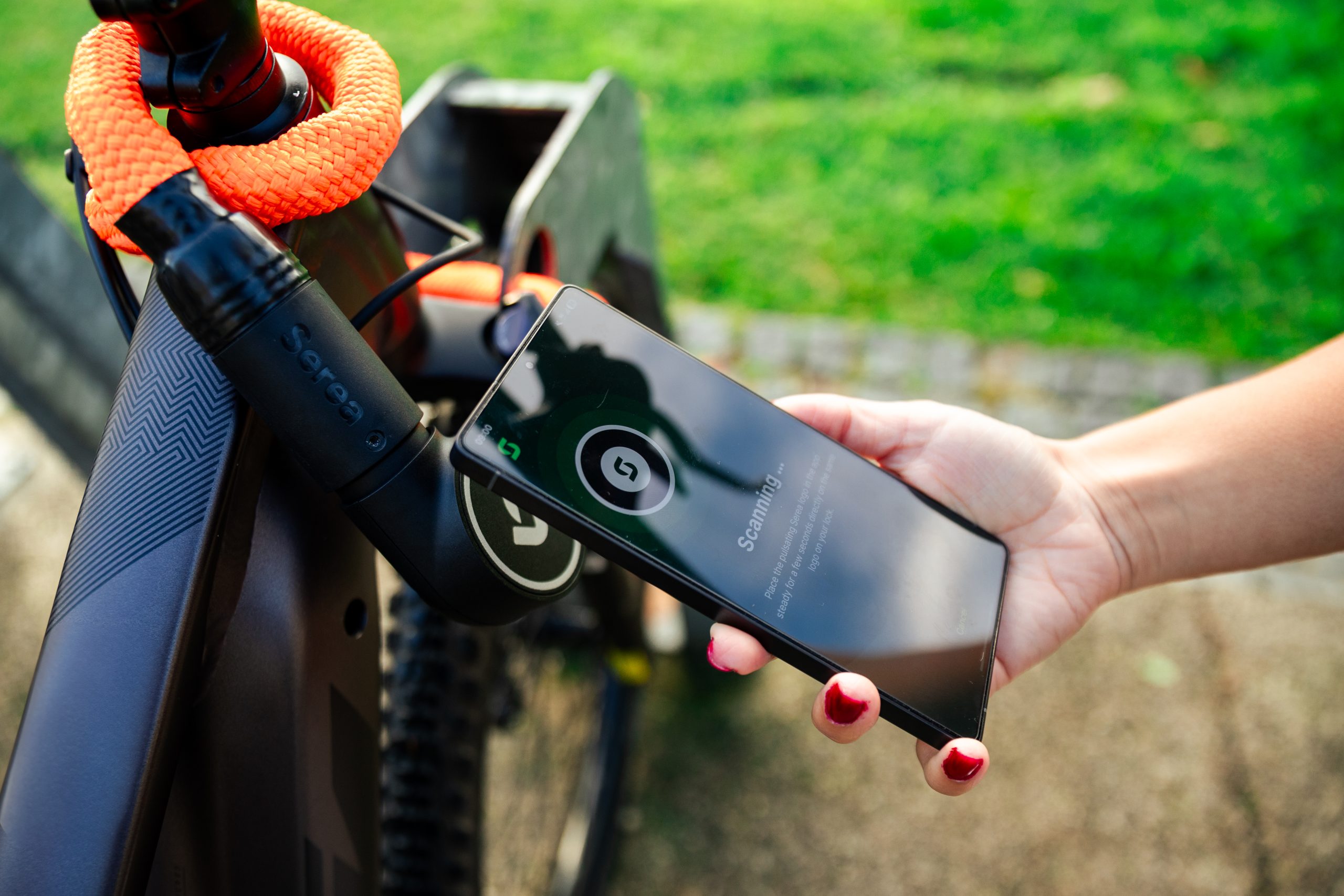
By using your phone’s NFC antenna to power your lock.
Simply open the app, scan your lock and it unlocks instantly.
What do you want to lock?
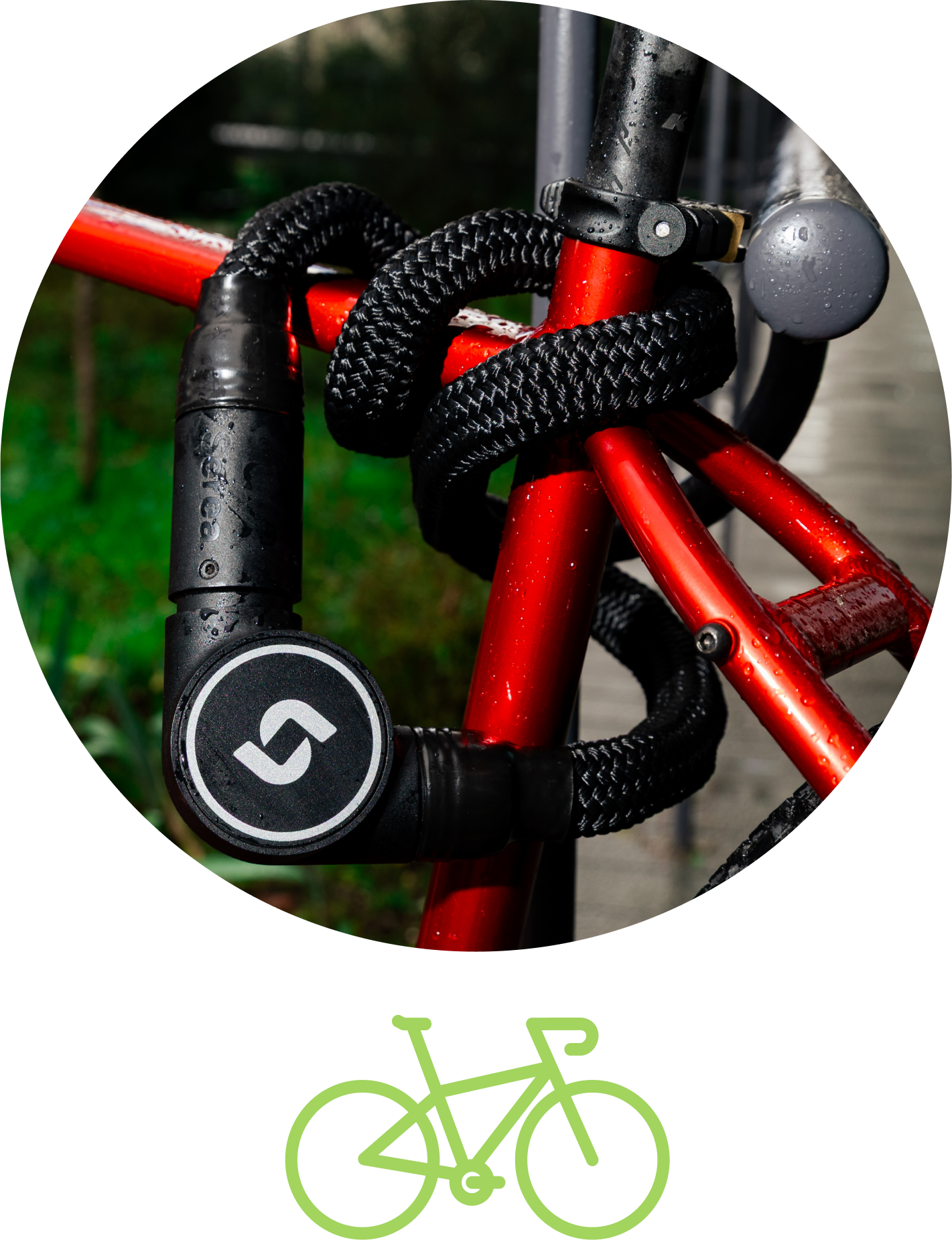
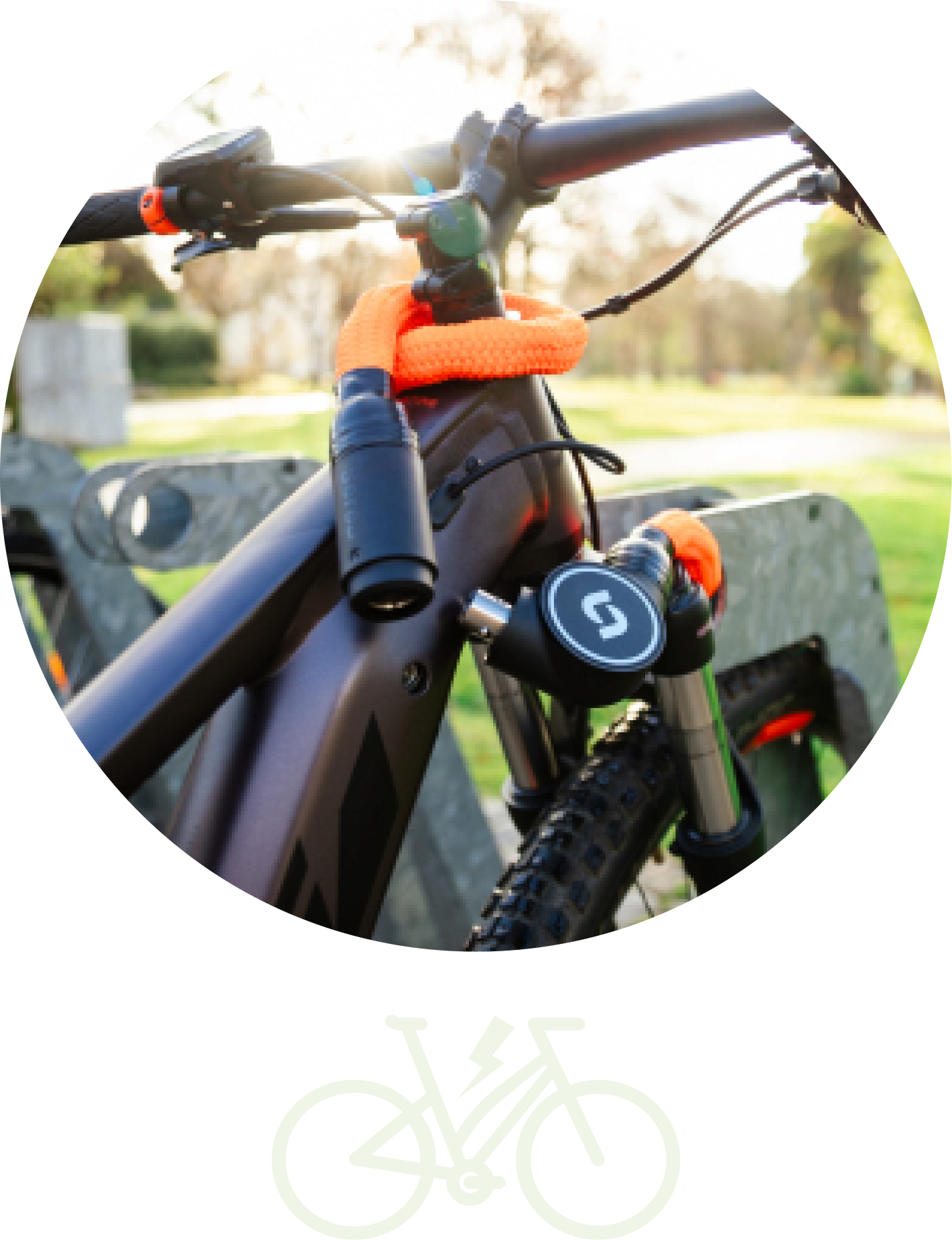
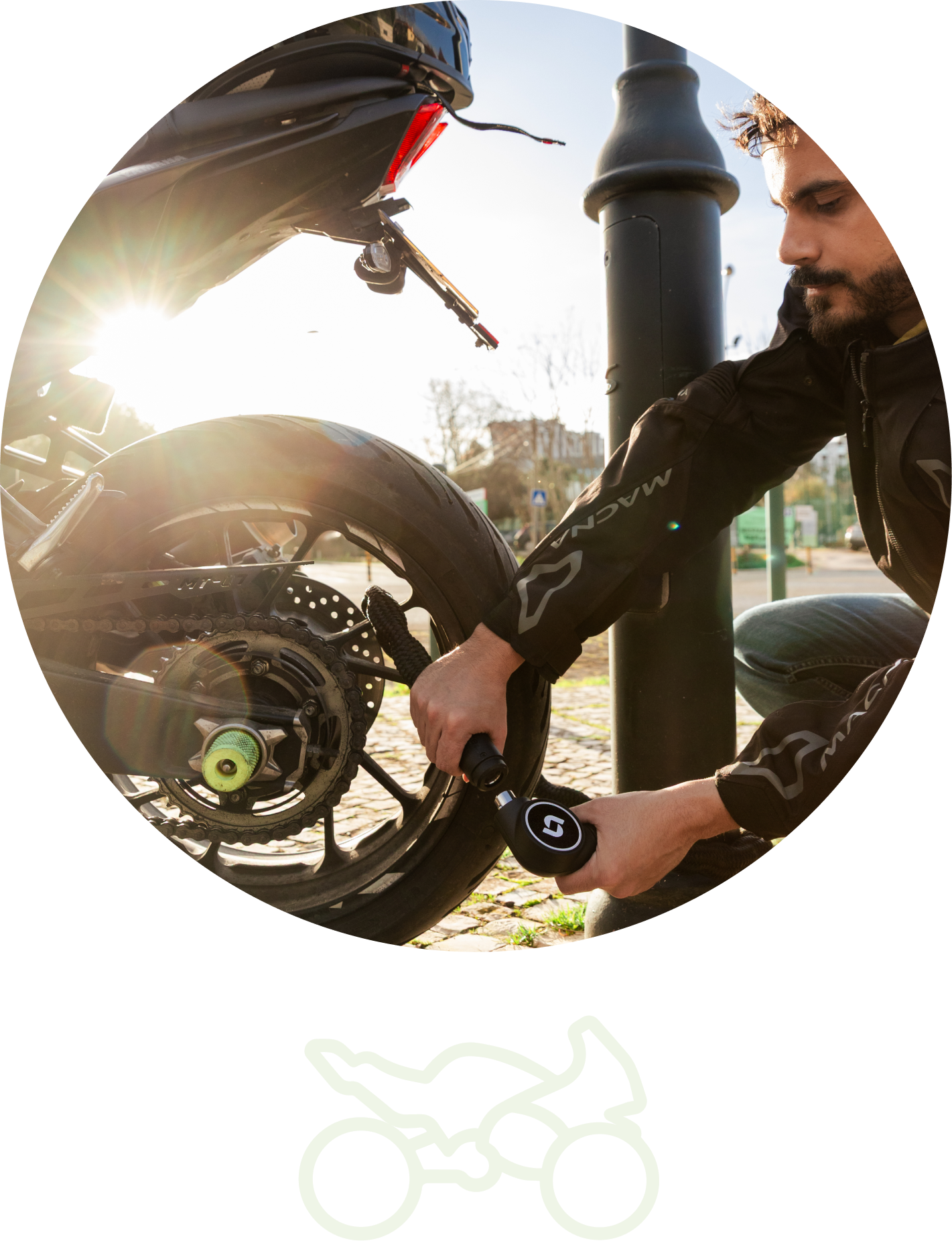
What do you want to lock?
Just a few of our great perks.


No more trouble with losing or forgetting your keys! Your key is safely stored on your smartphone.

Hard for Bold cutters but gentle on your bike. Provides additional safety and comfort.

As an admin, you can share your lock with anyone you choose, check who is using it and where, and revoke access whenever you no longer want to share it.
Strong together
Serea is part of the pewag Group — an industrial key player known for centuries of chain‑making expertise, standing for quality and reliability.
Made in EU
With our headquarters in Austria and subsidiaries across Europe and north America, Serea is made in the EU.
NFC
Two models. Endless possibilities.
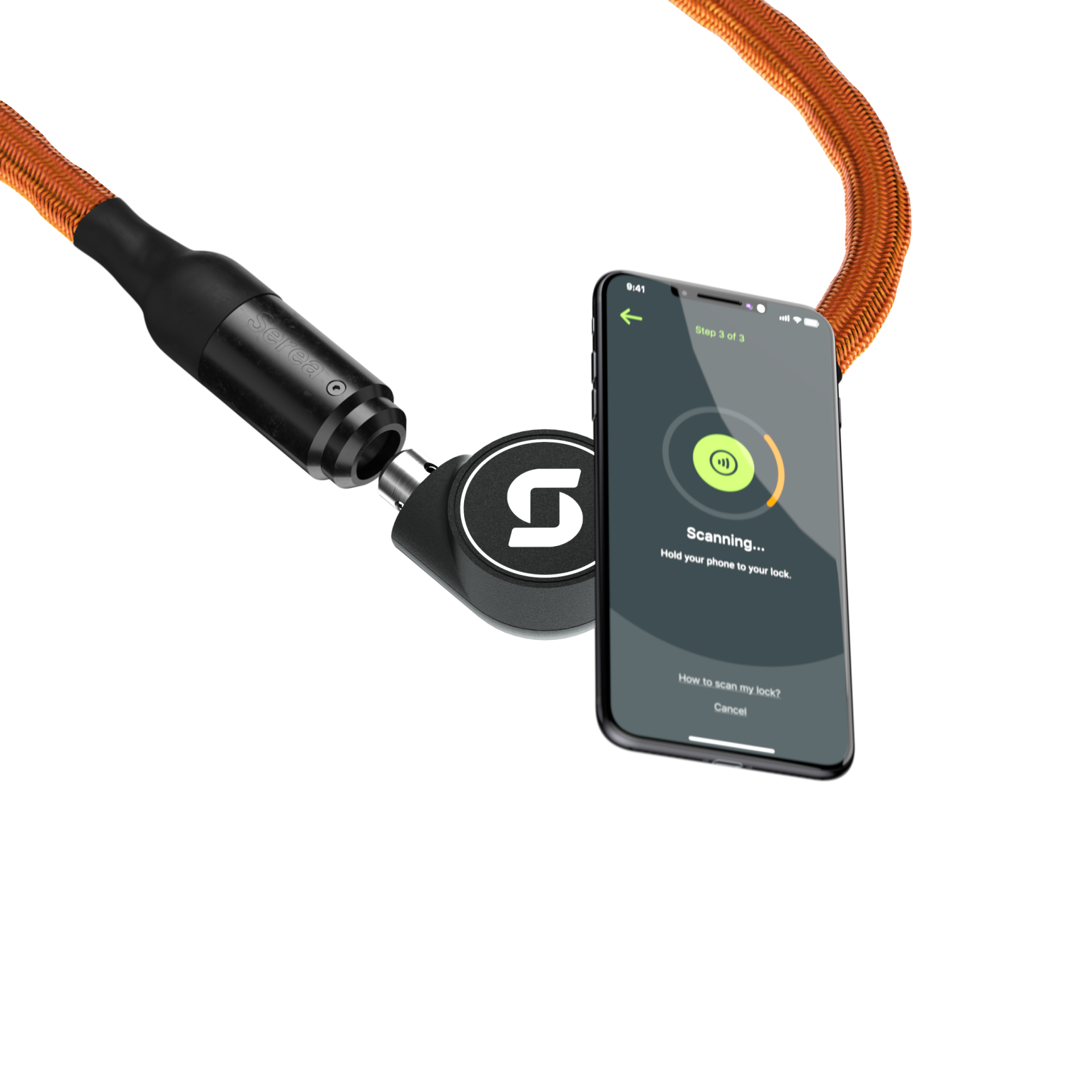
 Swift
Swift
Bold
We like company, care to join?
Still in doubt or have questions?
The Serea lock can only be opened using the app and does not include any kind of physical key. The unlocking mechanism works through the NFC antenna in your smartphoen and the chip in the lock.
To unlock your Serea lock you need to registrate it beforhand. Here you can find more information about the registration process.
If you lock has already been registrated then please follow the instruction:
- Tap on “click to unlock” in the app and align your smarphon’s NFC sensor – which is marked on the screen – with the lock.
- Hold your phone steadily against the lock without moving it until the unlocking process is complete. If the lock doesn’t open, cancel the action and tap “Click to unlock” to try again.
You can find more instructions in the app under “how to scan my lock”.
To add a new lock to your account navigate to the menu in the top right corner. Afterwards tap on the button “Add a new lock”. Then follow the instructions on-screen.
After adding the lock you should be able to open it by tapping on “Click to unlock” and holding your phones NFC antenna steadily to your locks surface for a few seconds.
You do not need the app to lock your Serea lock. You can lock it by manually plugging the two ends together.
Currently Serea isn’t compatible with smartwatches. This is because smartwatches currently don’t support our used unlocking mechanism.
An internet connection is not required to unlock the Serea lock. However, some features within the app menu do require a connection like the sharing function.
The Serea Smartlock includes a Sharing feature that allows you to grant access to your lock to up to four other users via the Serea app.
To share your lock:
- Log into your Serea account and tap the menu icon in the top right corner.
- Select “My Locks” and choose the lock you want to share.
- Scroll down and tap “Share this Lock.”
- Enter the recipient’s email address and the desired sharing time period. (Note: The recipient must have a Serea app account.)
- Tap “Share Lock” to send the invitation.
The recipient will receive an email to accept the shared access. You can track the sharing status next to the lock in the app.
As the lock’s admin, you can cancel sharing at any time before the set period ends. To do this:
- Go to “My Locks”, select the shared lock, and tap the “×” next to the recipient’s account.
- They will be notified that access has been revoked.
You can reach our support team at support@serea-locks.com.
We like company, care to join?
Here are the latest updates — because we are not sitting idle!
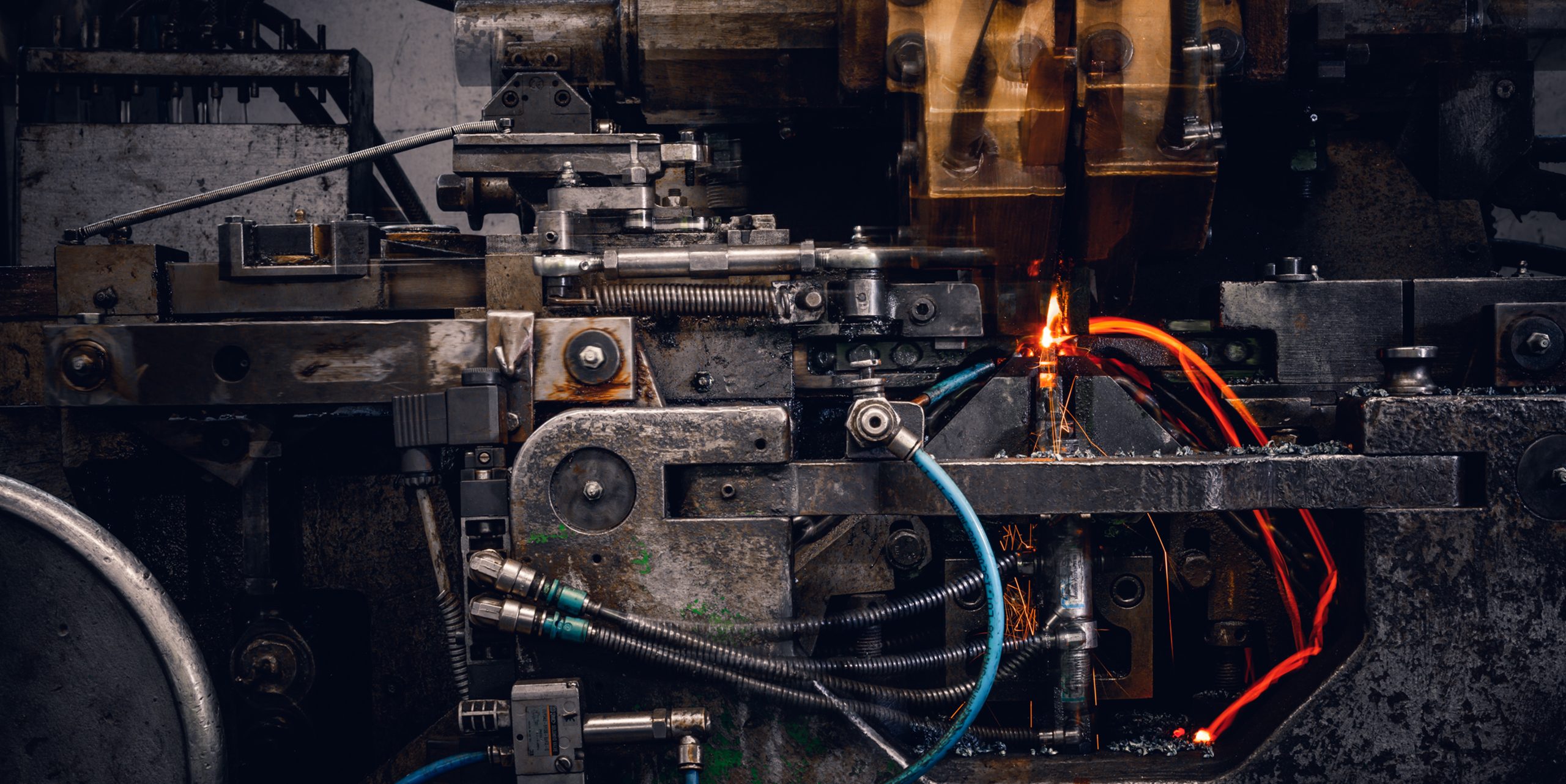
Chains by pewag – Quality that Makes Serea Stronger
As part of the internationally established pewag Group, Serea benefits from centuries of expertise in chain manufacturing. pewag’s roots go all the way back to 1479, when a forge in Brückl, Austria, was first mentioned in historical records. From this long tradition, a globally operating company has emerged, with production sites in Austria and the Czech Republic and numerous sales offices around the world. Read more →
Chains by pewag – Quality that Makes Serea Stronger
As part of the internationally established pewag Group, Serea benefits from centuries of expertise in chain manufacturing. pewag’s roots go all the way back to 1479, when a forge in Brückl, Austria, was first mentioned in historical records. From this long tradition, a globally operating company has emerged, with production sites in Austria and the Czech Republic and numerous sales offices around the world.Read more →
As part of the internationally established pewag Group, Serea benefits from centuries of expertise in chain manufacturing. pewag’s roots go all the way back to 1479, when a forge in Brückl, Austria, was first mentioned in historical records. From this long tradition, a globally operating company has emerged, with production sites in Austria and the Czech Republic and numerous sales offices around the world.
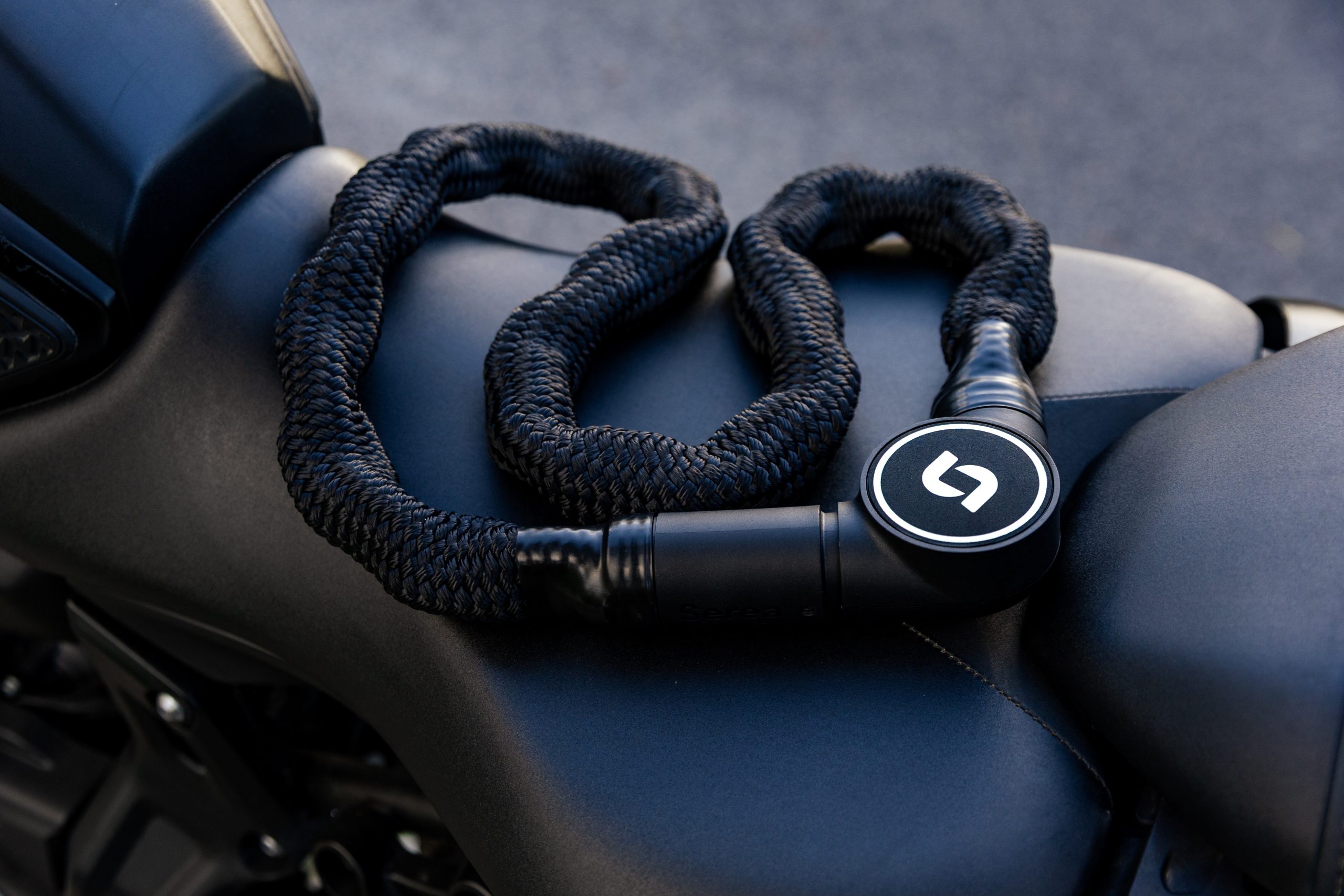
Serea Bold – your ideal companion for e‑bikes and motorised two‑wheelers
If you’re looking for a reliable lock for your motorcycle or e‑bike, the Serea Bold is worth a closer look — it’s the model specifically designed for high‑value two‑wheelers. Especially with e‑bikes, scooters, and motorcycles, the risk of theft is significantly higher, which makes a more robust level of security essential. Read more →
Serea Bold – your ideal companion for e‑bikes and motorised two‑wheelers
If you’re looking for a reliable lock for your motorcycle or e‑bike, the Serea Bold is worth a closer look — it’s the model specifically designed for high‑value two‑wheelers. Especially with e‑bikes, scooters, and motorcycles, the risk of theft is significantly higher, which makes a more robust level of security essential.Read more →
If you’re looking for a reliable lock for your motorcycle or e‑bike, the Serea Bold is worth a closer look — it’s the model specifically designed for high‑value two‑wheelers. Especially with e‑bikes, scooters, and motorcycles, the risk of theft is significantly higher, which makes a more robust level of security essential.
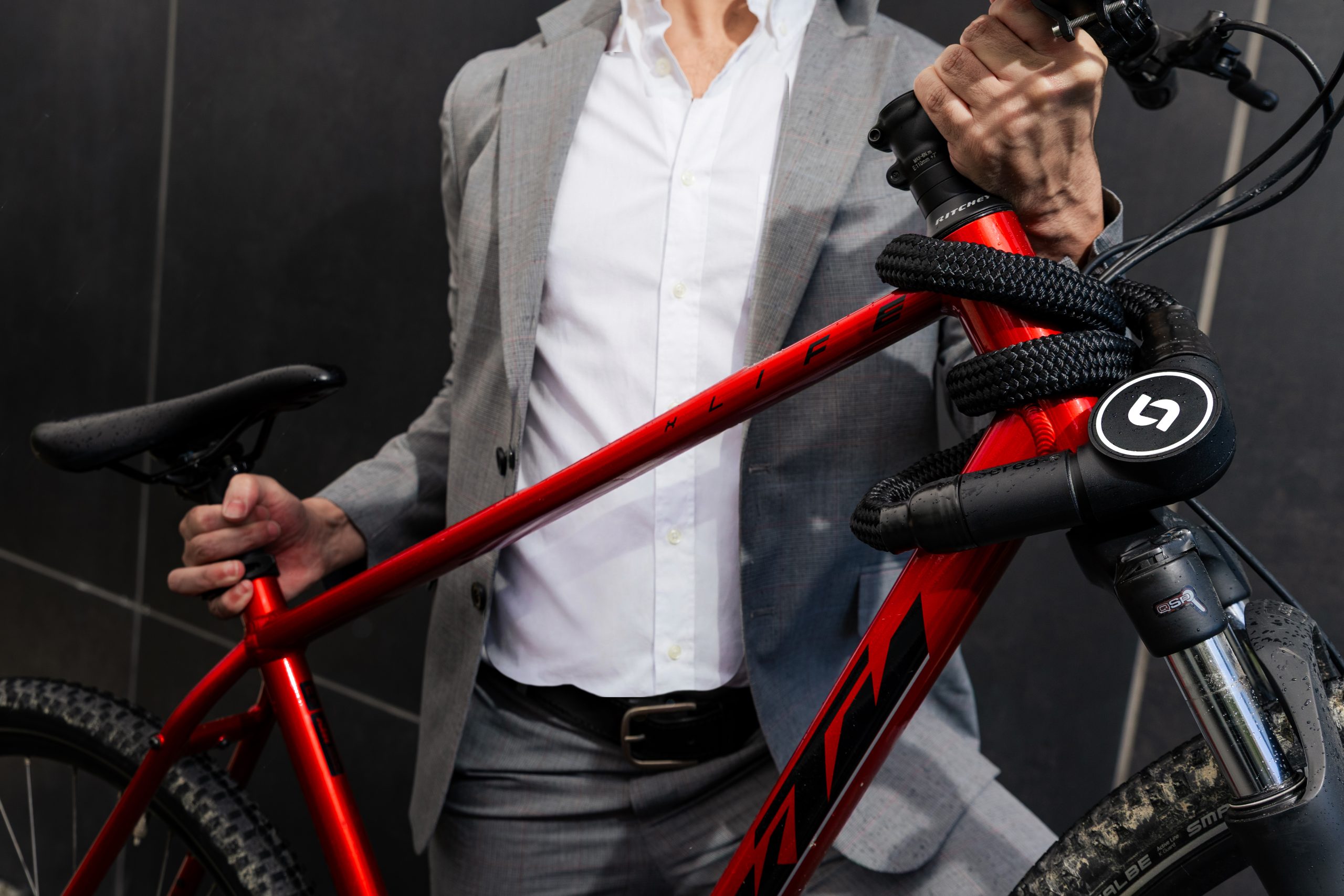
Tips for Commuting by Bike – Summary of a bike‑components Blog
The team at bike‑components has published an in‑depth blog article sharing their most important recommendations for pleasant, safe, and efficient bike commuting. Here is a summary of the key points: Read more →
Tips for Commuting by Bike – Summary of a bike‑components Blog
The team at bike‑components has published an in‑depth blog article sharing their most important recommendations for pleasant, safe, and efficient bike commuting. Here is a summary of the key points:Read more →
The team at bike‑components has published an in‑depth blog article sharing their most important recommendations for pleasant, safe, and efficient bike commuting. Here is a summary of the key points:
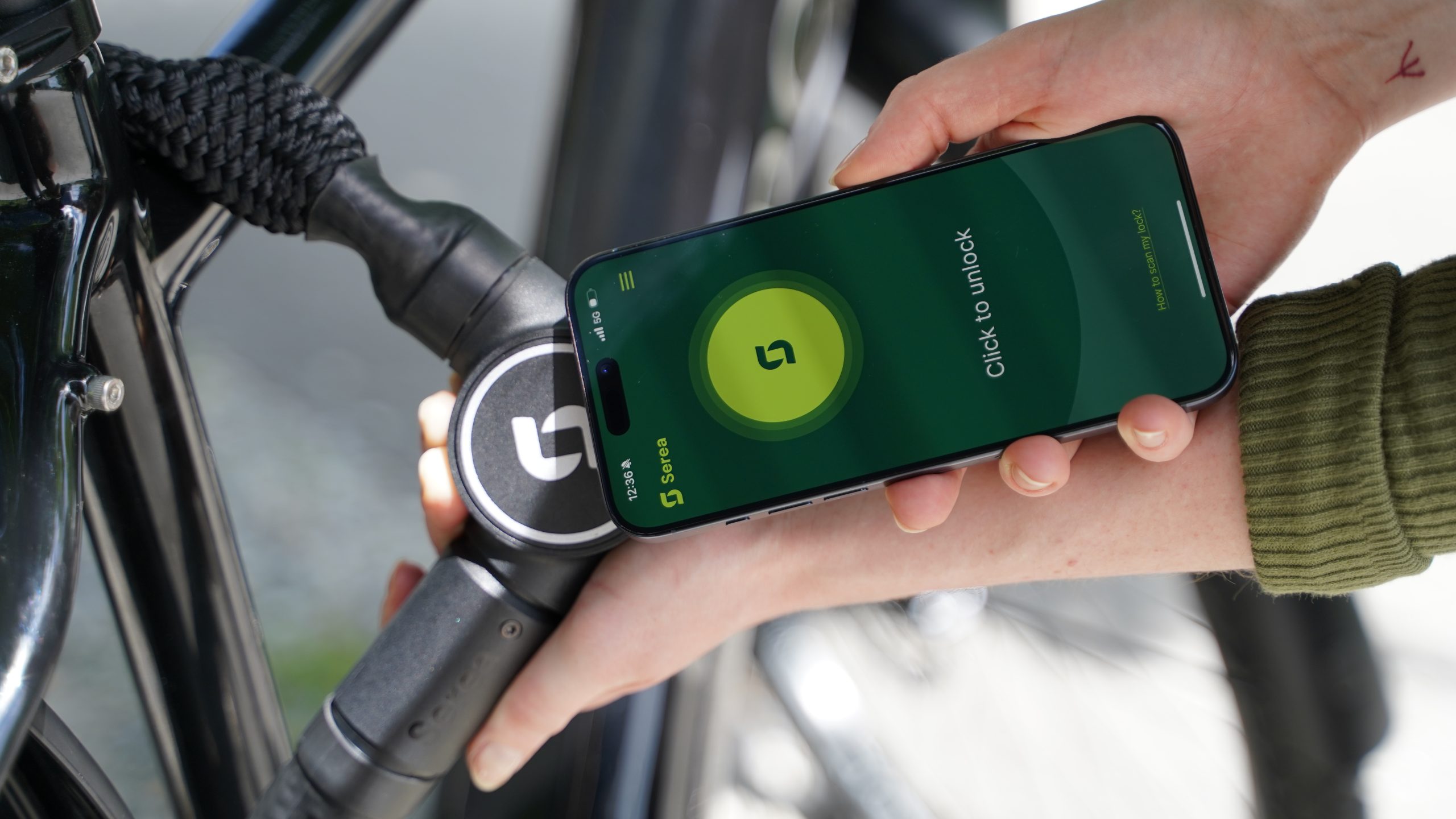
Why Serea Works Without a Battery
Smart locks have become an everyday tool for many cyclists, but one of the biggest frustrations remains: empty batteries. There is hardly anything more annoying than standing in front of a locked bike simply because the lock has run out of power. This is exactly where Serea comes in — eliminating the need to charge, replace, or dispose of batteries altogether. Read more →
Why Serea Works Without a Battery
Smart locks have become an everyday tool for many cyclists, but one of the biggest frustrations remains: empty batteries. There is hardly anything more annoying than standing in front of a locked bike simply because the lock has run out of power. This is exactly where Serea comes in — eliminating the need to charge, replace, or dispose of batteries altogether.Read more →
Smart locks have become an everyday tool for many cyclists, but one of the biggest frustrations remains: empty batteries. There is hardly anything more annoying than standing in front of a locked bike simply because the lock has run out of power. This is exactly where Serea comes in — eliminating the need to charge, replace, or dispose of batteries altogether.
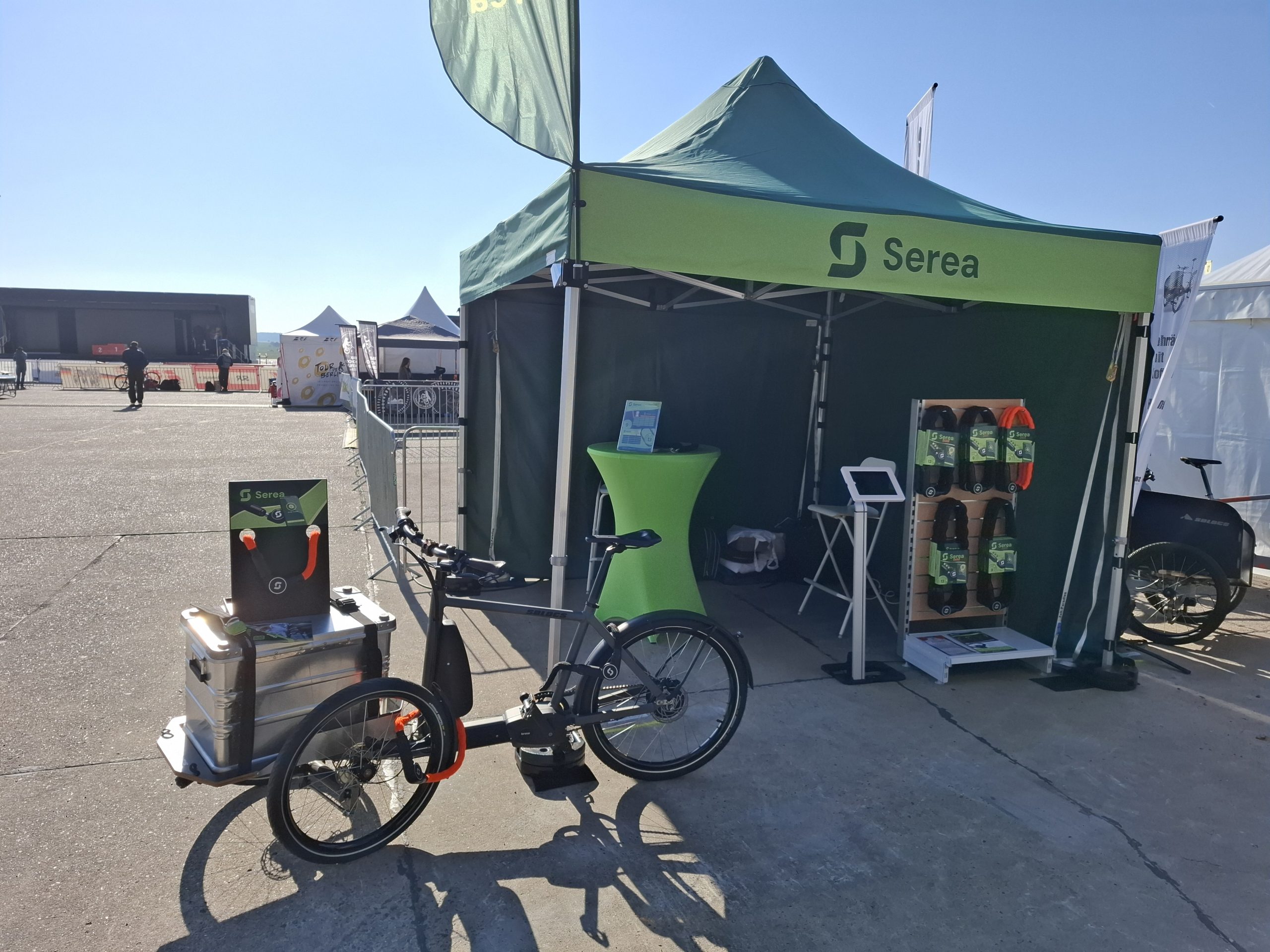
Velo Berlin 2026 – Two Days of Pure Cycling Culture
On April 11 and 12, 2026, the cycling festival Velo Berlin took place at Berlin‑Tempelhof Airport. As in the previous year, we were once again on site in 2026 and were delighted to be part of this special event together with numerous visitors. Read more →
Velo Berlin 2026 – Two Days of Pure Cycling Culture
On April 11 and 12, 2026, the cycling festival Velo Berlin took place at Berlin‑Tempelhof Airport. As in the previous year, we were once again on site in 2026 and were delighted to be part of this special event together with numerous visitors.Read more →
On April 11 and 12, 2026, the cycling festival Velo Berlin took place at Berlin‑Tempelhof Airport. As in the previous year, we were once again on site in 2026 and were delighted to be part of this special event together with numerous visitors.
Here are the latest updates — because we are not sitting idle!
Chains by pewag – Quality that Makes Serea Stronger
As part of the internationally established pewag Group, Serea benefits from centuries of expertise in chain manufacturing. pewag’s roots go all the way back to 1479, when a forge in Brückl, Austria, was first mentioned in historical records. From this long tradition, a globally operating company has emerged, with production sites in Austria and the Czech Republic and numerous sales offices around the world. Read more →
Chains by pewag – Quality that Makes Serea Stronger
As part of the internationally established pewag Group, Serea benefits from centuries of expertise in chain manufacturing. pewag’s roots go all the way back to 1479, when a forge in Brückl, Austria, was first mentioned in historical records. From this long tradition, a globally operating company has emerged, with production sites in Austria and the Czech Republic and numerous sales offices around the world.Read more →
As part of the internationally established pewag Group, Serea benefits from centuries of expertise in chain manufacturing. pewag’s roots go all the way back to 1479, when a forge in Brückl, Austria, was first mentioned in historical records. From this long tradition, a globally operating company has emerged, with production sites in Austria and the Czech Republic and numerous sales offices around the world.
Serea Bold – your ideal companion for e‑bikes and motorised two‑wheelers
If you’re looking for a reliable lock for your motorcycle or e‑bike, the Serea Bold is worth a closer look — it’s the model specifically designed for high‑value two‑wheelers. Especially with e‑bikes, scooters, and motorcycles, the risk of theft is significantly higher, which makes a more robust level of security essential. Read more →
Serea Bold – your ideal companion for e‑bikes and motorised two‑wheelers
If you’re looking for a reliable lock for your motorcycle or e‑bike, the Serea Bold is worth a closer look — it’s the model specifically designed for high‑value two‑wheelers. Especially with e‑bikes, scooters, and motorcycles, the risk of theft is significantly higher, which makes a more robust level of security essential.Read more →
If you’re looking for a reliable lock for your motorcycle or e‑bike, the Serea Bold is worth a closer look — it’s the model specifically designed for high‑value two‑wheelers. Especially with e‑bikes, scooters, and motorcycles, the risk of theft is significantly higher, which makes a more robust level of security essential.
Tips for Commuting by Bike – Summary of a bike‑components Blog
The team at bike‑components has published an in‑depth blog article sharing their most important recommendations for pleasant, safe, and efficient bike commuting. Here is a summary of the key points: Read more →
Tips for Commuting by Bike – Summary of a bike‑components Blog
The team at bike‑components has published an in‑depth blog article sharing their most important recommendations for pleasant, safe, and efficient bike commuting. Here is a summary of the key points:Read more →
The team at bike‑components has published an in‑depth blog article sharing their most important recommendations for pleasant, safe, and efficient bike commuting. Here is a summary of the key points:
Why Serea Works Without a Battery
Smart locks have become an everyday tool for many cyclists, but one of the biggest frustrations remains: empty batteries. There is hardly anything more annoying than standing in front of a locked bike simply because the lock has run out of power. This is exactly where Serea comes in — eliminating the need to charge, replace, or dispose of batteries altogether. Read more →
Why Serea Works Without a Battery
Smart locks have become an everyday tool for many cyclists, but one of the biggest frustrations remains: empty batteries. There is hardly anything more annoying than standing in front of a locked bike simply because the lock has run out of power. This is exactly where Serea comes in — eliminating the need to charge, replace, or dispose of batteries altogether.Read more →
Smart locks have become an everyday tool for many cyclists, but one of the biggest frustrations remains: empty batteries. There is hardly anything more annoying than standing in front of a locked bike simply because the lock has run out of power. This is exactly where Serea comes in — eliminating the need to charge, replace, or dispose of batteries altogether.
Velo Berlin 2026 – Two Days of Pure Cycling Culture
On April 11 and 12, 2026, the cycling festival Velo Berlin took place at Berlin‑Tempelhof Airport. As in the previous year, we were once again on site in 2026 and were delighted to be part of this special event together with numerous visitors. Read more →
Velo Berlin 2026 – Two Days of Pure Cycling Culture
On April 11 and 12, 2026, the cycling festival Velo Berlin took place at Berlin‑Tempelhof Airport. As in the previous year, we were once again on site in 2026 and were delighted to be part of this special event together with numerous visitors.Read more →
On April 11 and 12, 2026, the cycling festival Velo Berlin took place at Berlin‑Tempelhof Airport. As in the previous year, we were once again on site in 2026 and were delighted to be part of this special event together with numerous visitors.
Finalist in the Digitalisation Category – Styrian Innovation Award
As a Styrian brand, it was particularly important for us to present the Serea lock within our home region. The Styria Innovation Award honours companies each year that make a significant contribution to digitalisation, innovation, and sustainability with their projects. Read more →
Finalist in the Digitalisation Category – Styrian Innovation Award
As a Styrian brand, it was particularly important for us to present the Serea lock within our home region. The Styria Innovation Award honours companies each year that make a significant contribution to digitalisation, innovation, and sustainability with their projects.Read more →
As a Styrian brand, it was particularly important for us to present the Serea lock within our home region. The Styria Innovation Award honours companies each year that make a significant contribution to digitalisation, innovation, and sustainability with their projects.
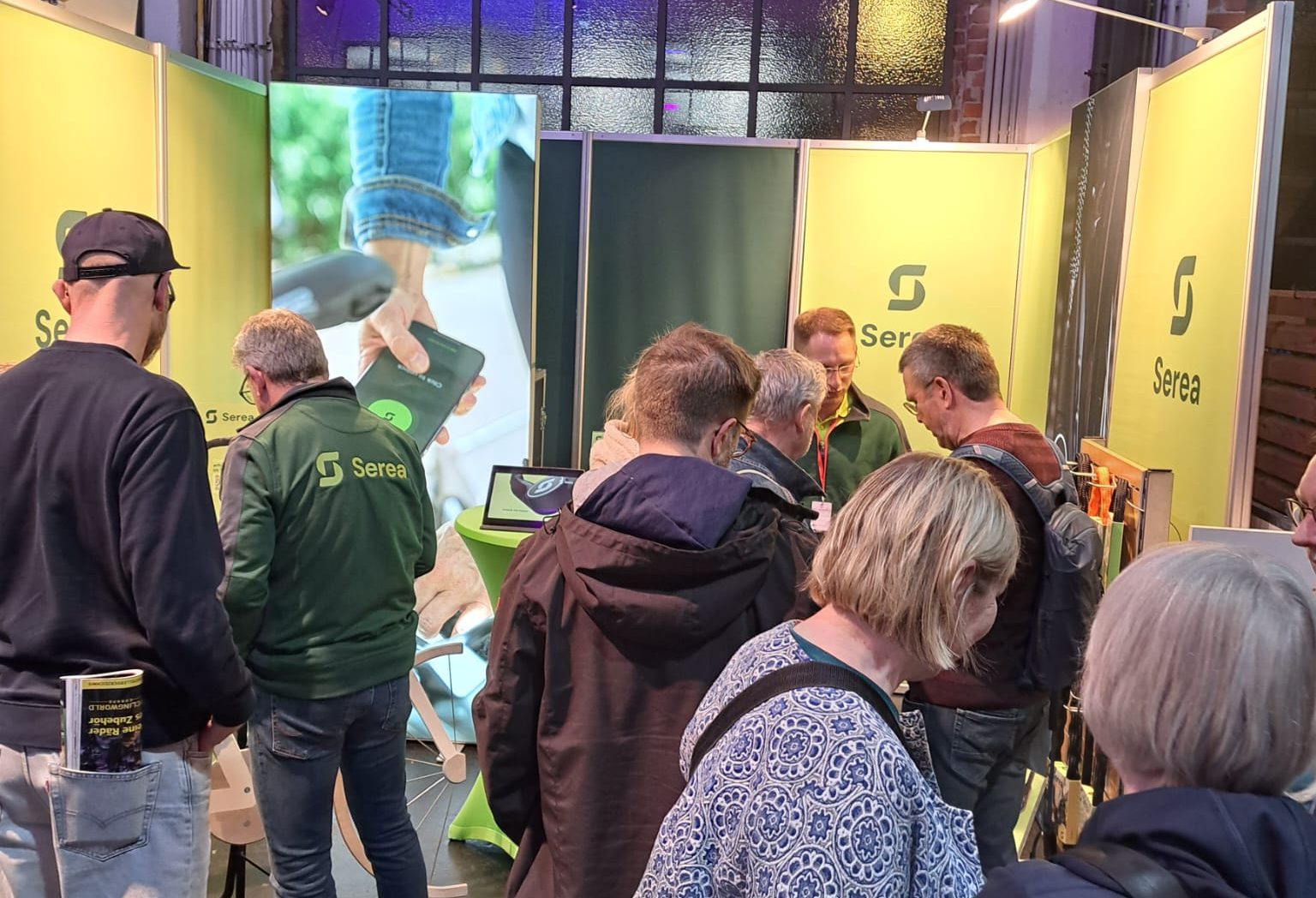
Experience Serea Live in 2026
In 2026 you will once again have the opportunity to experience our keyless and battery-free Smartlock Serea up close. We will be present at numerous trade fairs and are looking forward to meeting you there, presenting our product, and giving you the chance to test our locks on site and examine them in detail. Read more →
Experience Serea Live in 2026
In 2026 you will once again have the opportunity to experience our keyless and battery-free Smartlock Serea up close. We will be present at numerous trade fairs and are looking forward to meeting you there, presenting our product, and giving you the chance to test our locks on site and examine them in detail.Read more →
In 2026 you will once again have the opportunity to experience our keyless and battery-free Smartlock Serea up close. We will be present at numerous trade fairs and are looking forward to meeting you there, presenting our product, and giving you the chance to test our locks on site and examine them in detail.
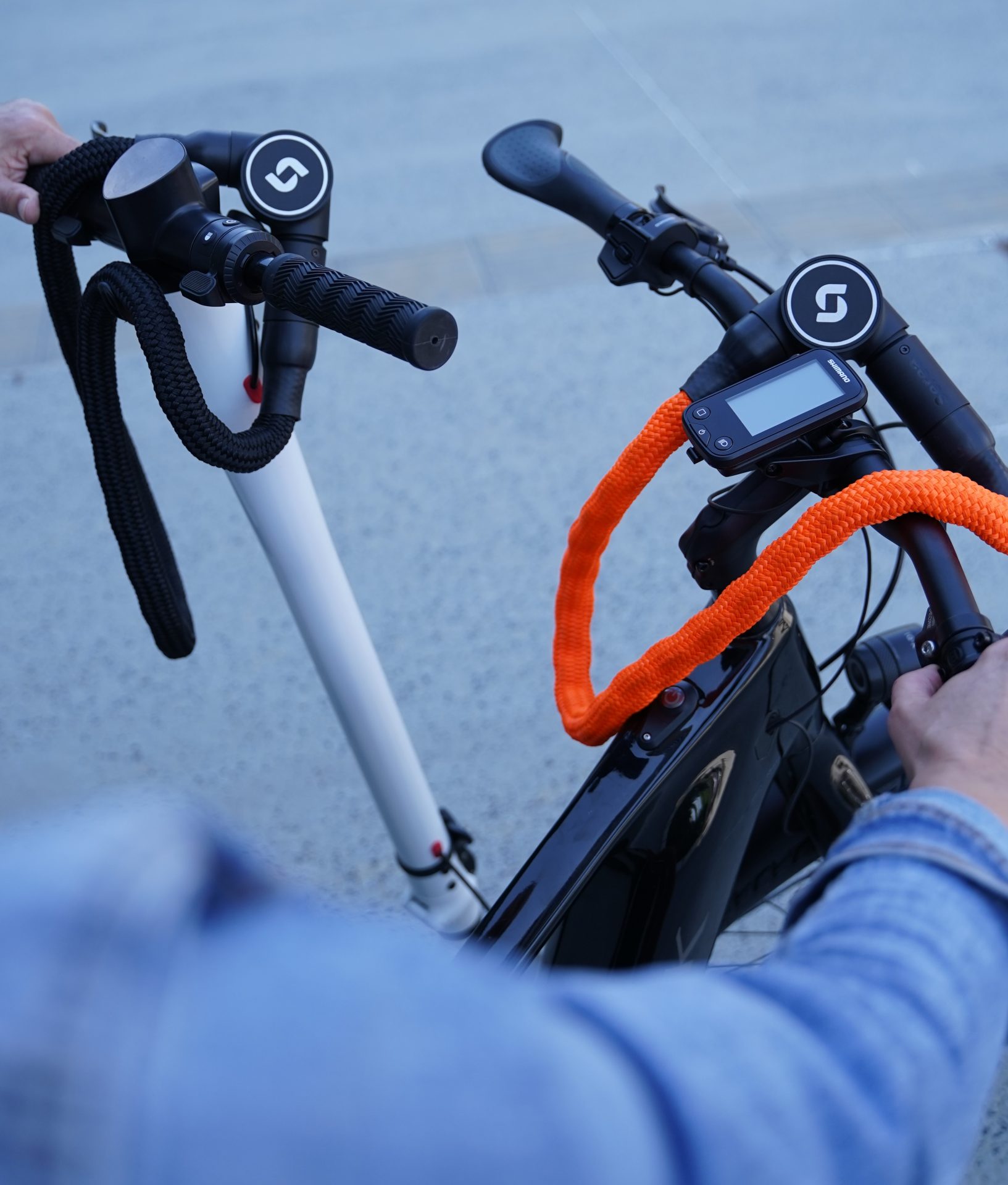
Our products earned the Sold Secure Certification
Serea’s Swift and Bold products have earned Sold Secure certification, an independent UK standard that verifies real-world resistance to theft. Swift received a Bronze rating for protection against basic tools, while Bold earned Silver for withstanding more advanced attack methods, highlighting Serea’s commitment to reliable security. Read more →
Our products earned the Sold Secure Certification
Serea’s Swift and Bold products have earned Sold Secure certification, an independent UK standard that verifies real-world resistance to theft. Swift received a Bronze rating for protection against basic tools, while Bold earned Silver for withstanding more advanced attack methods, highlighting Serea’s commitment to reliable security.Read more →
Serea’s Swift and Bold products have earned Sold Secure certification, an independent UK standard that verifies real-world resistance to theft. Swift received a Bronze rating for protection against basic tools, while Bold earned Silver for withstanding more advanced attack methods, highlighting Serea’s commitment to reliable security.
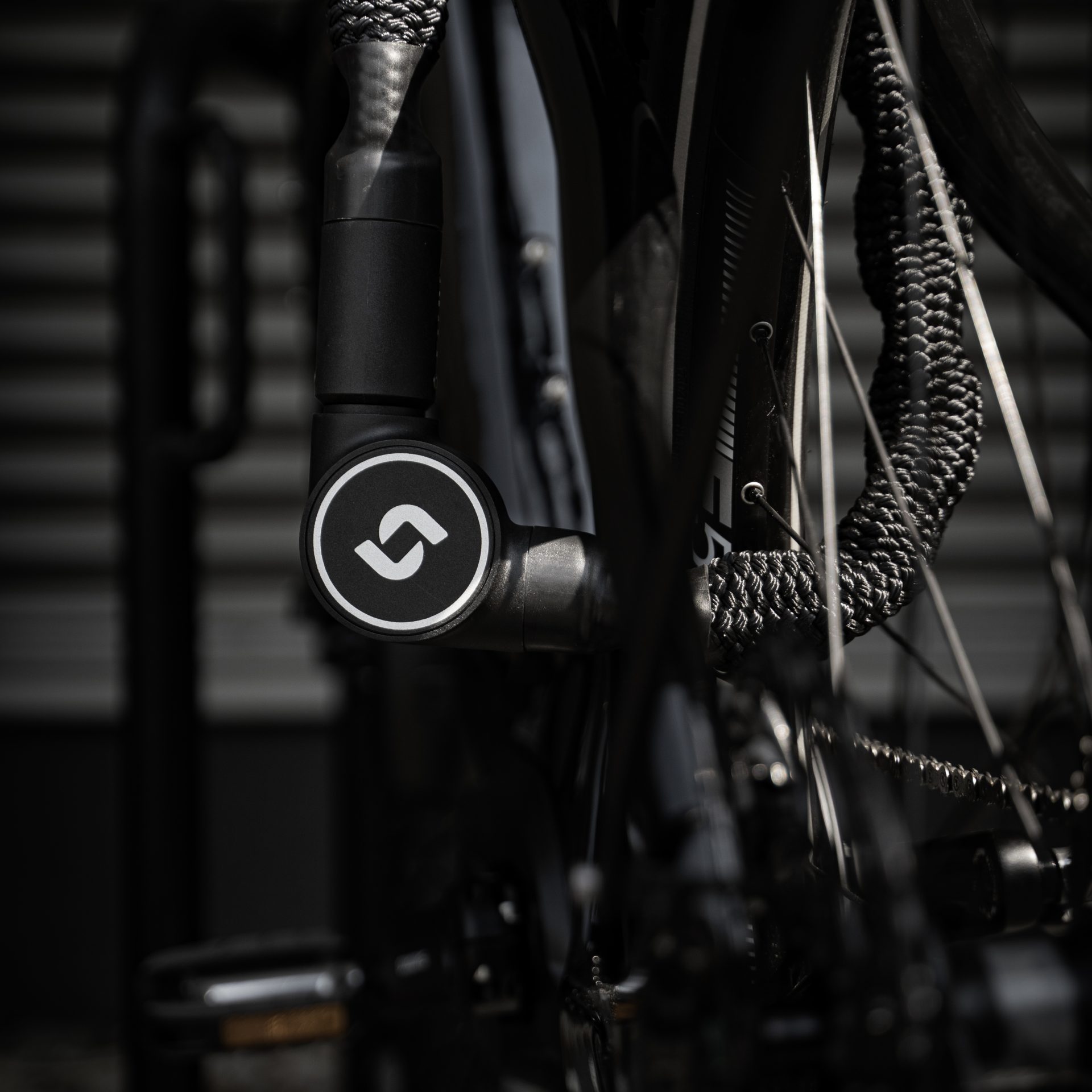
Serea Bold achieved the ART 2 certification
The Serea Bold has successfully passed the rigorous test of the ART foundation and received the ART2 Certifiaction. This represents a strong level of protection against bicycle theft and is often required for bicycle insurance polocies. Read more →
Serea Bold achieved the ART 2 certification
The Serea Bold has successfully passed the rigorous test of the ART foundation and received the ART2 Certifiaction. This represents a strong level of protection against bicycle theft and is often required for bicycle insurance polocies.Read more →
The Serea Bold has successfully passed the rigorous test of the ART foundation and received the ART2 Certifiaction. This represents a strong level of protection against bicycle theft and is often required for bicycle insurance polocies.
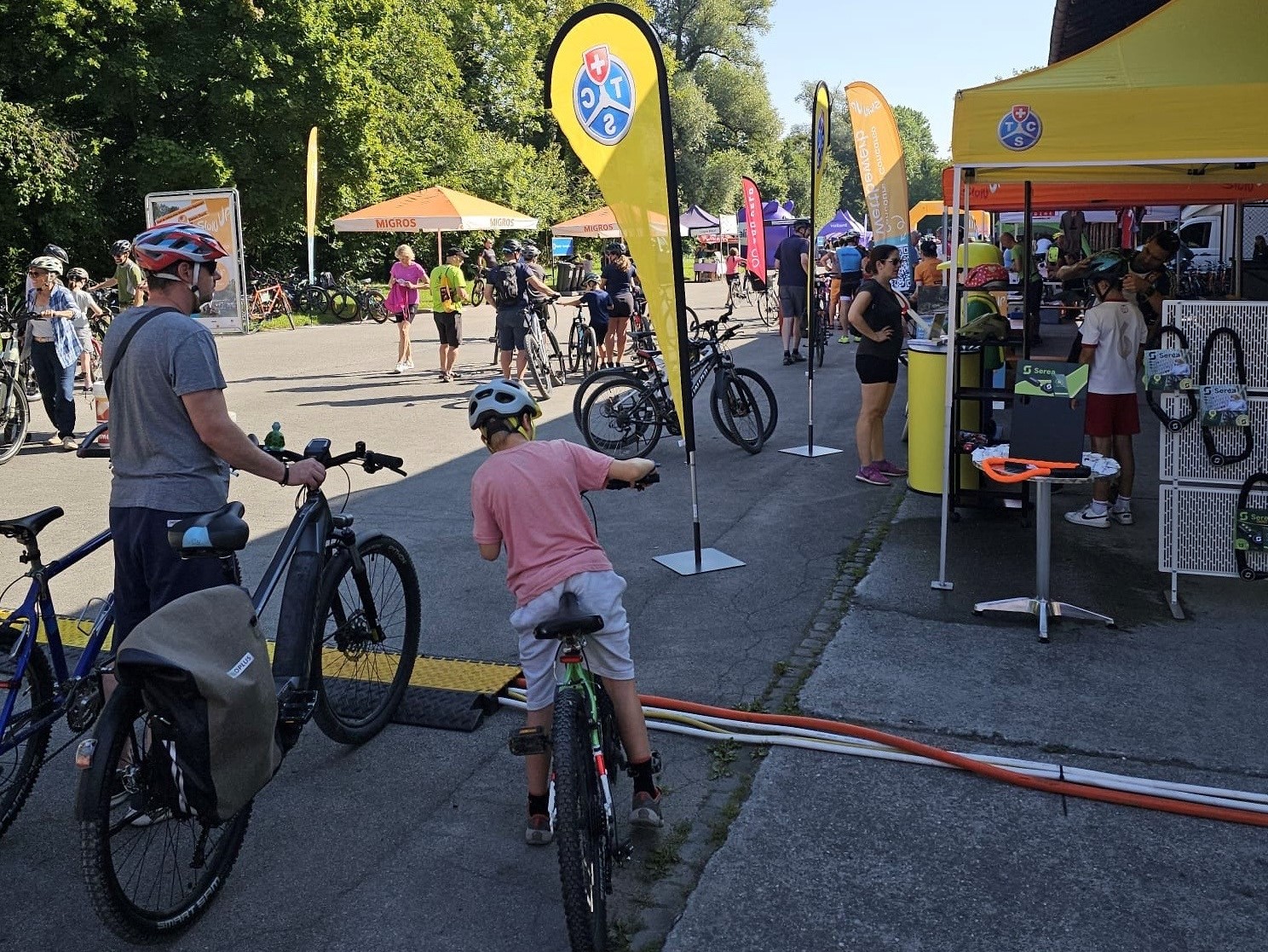
slowUp Brugg – a huge success!
The slowUp event took place in Brugg on August 10. Together with our valued partner TSC Aargau, we were represented on the main square and were able to present Serea Castle to visitors. Read more →
slowUp Brugg – a huge success!
The slowUp event took place in Brugg on August 10. Together with our valued partner TSC Aargau, we were represented on the main square and were able to present Serea Castle to visitors.Read more →
The slowUp event took place in Brugg on August 10. Together with our valued partner TSC Aargau, we were represented on the main square and were able to present Serea Castle to visitors.
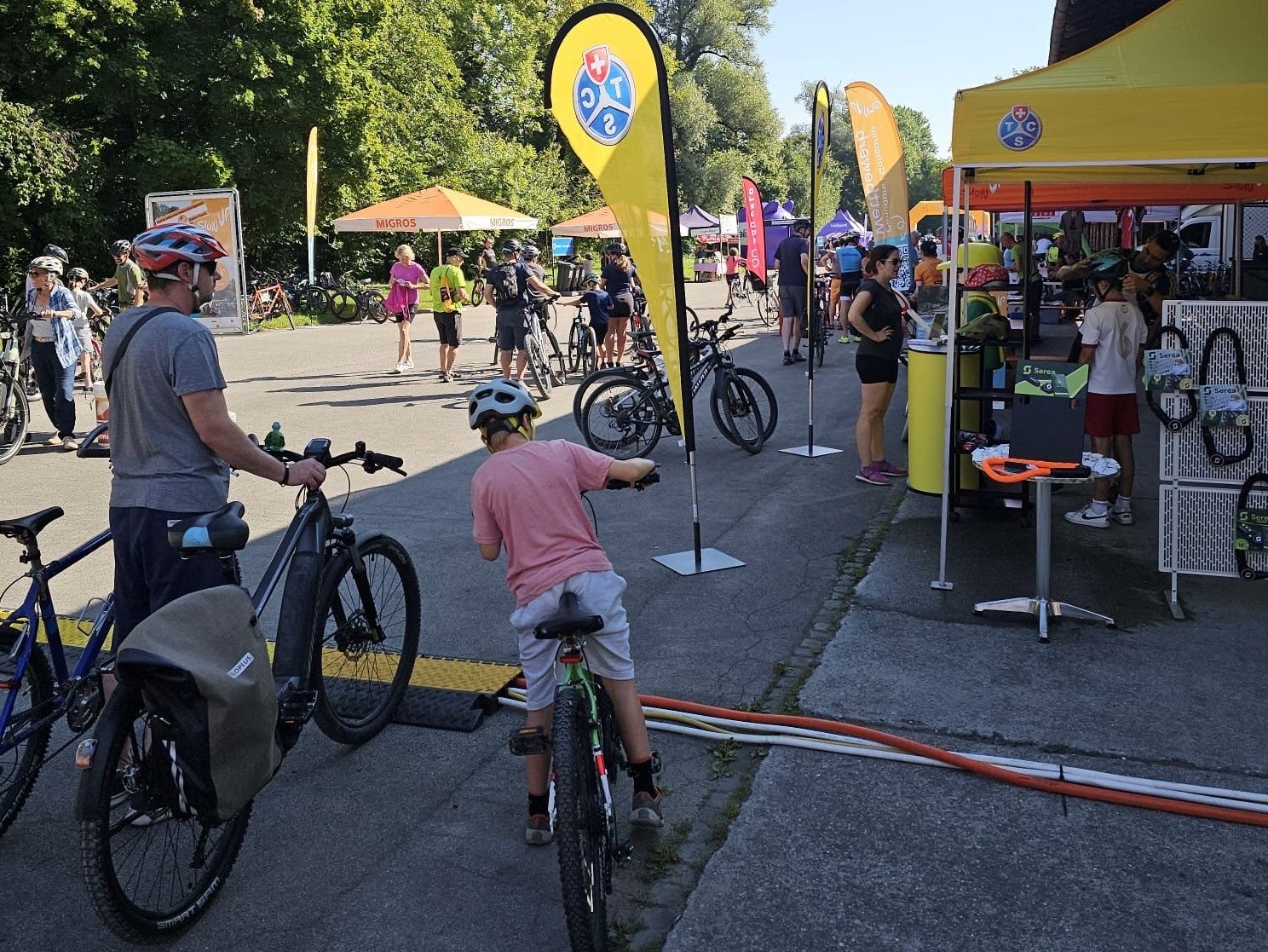
slowUp Brugg – ein voller Erfolg!
Am 10. August fand das slowUp-Event in Brugg statt. Gemeinsam mit unserem geschätzten Partner TSC Aargau waren wir am Hauptplatz vertreten und durften den Besuchern und Besucherinnen das Serea Schloss vorstellen. Read more →
slowUp Brugg – ein voller Erfolg!
Am 10. August fand das slowUp-Event in Brugg statt. Gemeinsam mit unserem geschätzten Partner TSC Aargau waren wir am Hauptplatz vertreten und durften den Besuchern und Besucherinnen das Serea Schloss vorstellen.Read more →
Am 10. August fand das slowUp-Event in Brugg statt. Gemeinsam mit unserem geschätzten Partner TSC Aargau waren wir am Hauptplatz vertreten und durften den Besuchern und Besucherinnen das Serea Schloss vorstellen.
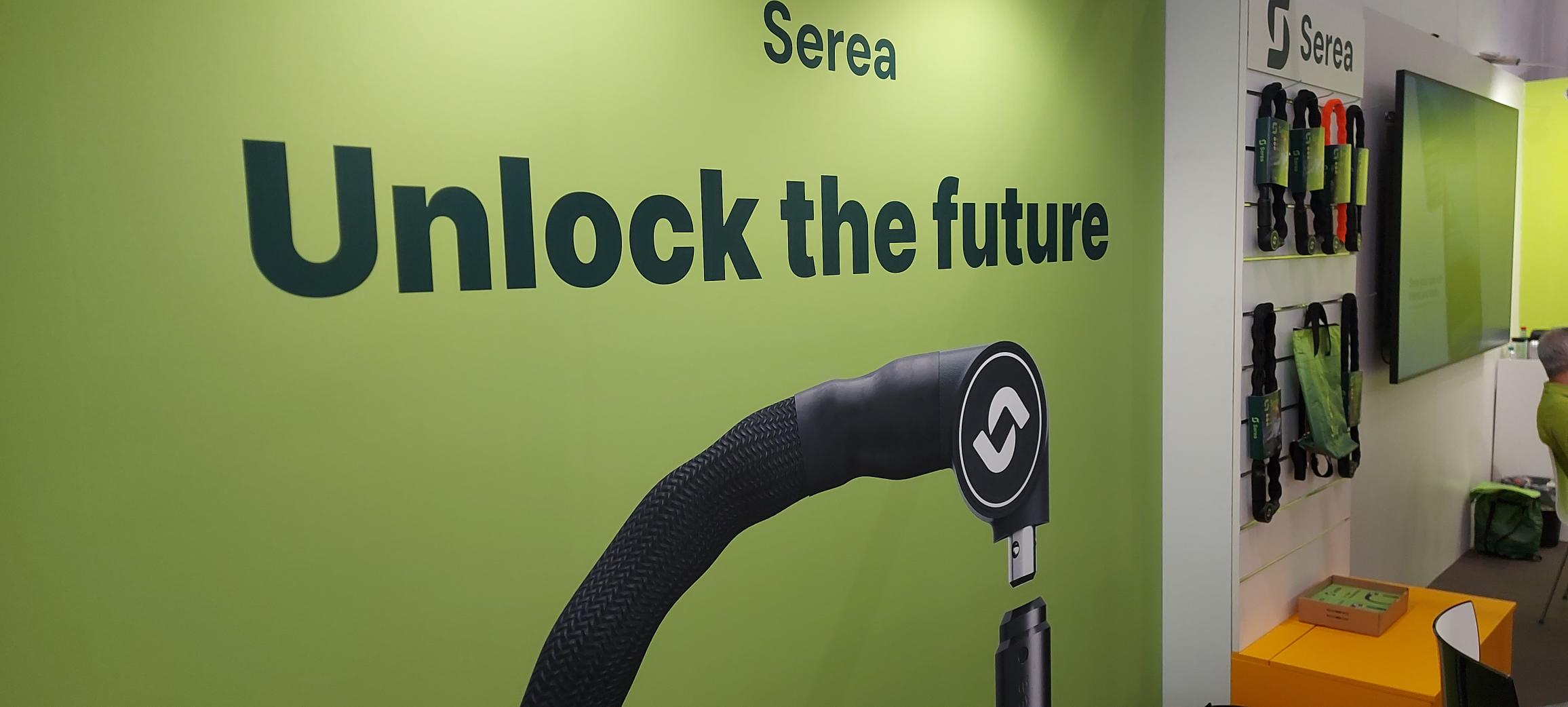
Waar kun je ons vinden in 2025!
2025 wordt een spannend jaar vol geweldige evenementen en we vinden het geweldig om jullie te ontmoeten op een van de vele beurzen en festivals! We zullen aanwezig zijn op verschillende evenementen en kunnen niet wachten om onze producten live te laten zien. Kom langs en ontdek het nieuwste op het gebied van mobiliteitsinnovatie! Read more →
Waar kun je ons vinden in 2025!
2025 wordt een spannend jaar vol geweldige evenementen en we vinden het geweldig om jullie te ontmoeten op een van de vele beurzen en festivals! We zullen aanwezig zijn op verschillende evenementen en kunnen niet wachten om onze producten live te laten zien. Kom langs en ontdek het nieuwste op het gebied van mobiliteitsinnovatie! Read more →
2025 wordt een spannend jaar vol geweldige evenementen en we vinden het geweldig om jullie te ontmoeten op een van de vele beurzen en festivals! We zullen aanwezig zijn op verschillende evenementen en kunnen niet wachten om onze producten live te laten zien. Kom langs en ontdek het nieuwste op het gebied van mobiliteitsinnovatie!
Wo du uns im Jahr 2025 findest!
2025 entwickelt sich zu einem aufregenden Jahr voller großartiger Veranstaltungen, und wir freuen uns, dich auf einer der vielen Messen und Festivals zu treffen! Wir werden an einer Vielzahl von Veranstaltungen teilnehmen und können es kaum erwarten, unsere Produkte live vorzustellen. Komm vorbei und entdecke die neuesten Innovationen im Bereich Mobilität! Read more →
Wo du uns im Jahr 2025 findest!
2025 entwickelt sich zu einem aufregenden Jahr voller großartiger Veranstaltungen, und wir freuen uns, dich auf einer der vielen Messen und Festivals zu treffen! Wir werden an einer Vielzahl von Veranstaltungen teilnehmen und können es kaum erwarten, unsere Produkte live vorzustellen. Komm vorbei und entdecke die neuesten Innovationen im Bereich Mobilität!Read more →
2025 entwickelt sich zu einem aufregenden Jahr voller großartiger Veranstaltungen, und wir freuen uns, dich auf einer der vielen Messen und Festivals zu treffen! Wir werden an einer Vielzahl von Veranstaltungen teilnehmen und können es kaum erwarten, unsere Produkte live vorzustellen. Komm vorbei und entdecke die neuesten Innovationen im Bereich Mobilität!
Where to Find Us in 2025 !
2025 is shaping up to be an exciting year full of amazing events, and we’re thrilled to have the chance to meet you at one of the many fairs and festivals! We’ll be attending a variety of events and can’t wait to showcase our products live. Stop by and discover the latest in mobility innovation! Read more →
Where to Find Us in 2025 !
2025 is shaping up to be an exciting year full of amazing events, and we’re thrilled to have the chance to meet you at one of the many fairs and festivals! We’ll be attending a variety of events and can’t wait to showcase our products live. Stop by and discover the latest in mobility innovation!Read more →
2025 is shaping up to be an exciting year full of amazing events, and we’re thrilled to have the chance to meet you at one of the many fairs and festivals! We’ll be attending a variety of events and can’t wait to showcase our products live. Stop by and discover the latest in mobility innovation!

Triff uns in Frankfurt auf der Eurobike 2025
Die Eurobike-Messe ist eine der größten internationalen Ausstellungen für Fahrradfans. Read more →
Triff uns in Frankfurt auf der Eurobike 2025
Die Eurobike-Messe ist eine der größten internationalen Ausstellungen für Fahrradfans.Read more →
Die Eurobike-Messe ist eine der größten internationalen Ausstellungen für Fahrradfans.
Meet us in Frankfurt at the Eurobike 2025
The Eurobike fair is one of the biggest international exhibition for cycling enthusiasts. Read more →
Meet us in Frankfurt at the Eurobike 2025
The Eurobike fair is one of the biggest international exhibition for cycling enthusiasts.Read more →
The Eurobike fair is one of the biggest international exhibition for cycling enthusiasts.

Was ist NFC-Technologie?
Wir nutzen sie täglich, aber was genau ist diese Technologie? Read more →
Was ist NFC-Technologie?
Wir nutzen sie täglich, aber was genau ist diese Technologie?Read more →
Wir nutzen sie täglich, aber was genau ist diese Technologie?
What is NFC Technology?
We are using it everyday, but what is this technology exactly? Read more →
What is NFC Technology?
We are using it everyday, but what is this technology exactly?Read more →
We are using it everyday, but what is this technology exactly?